
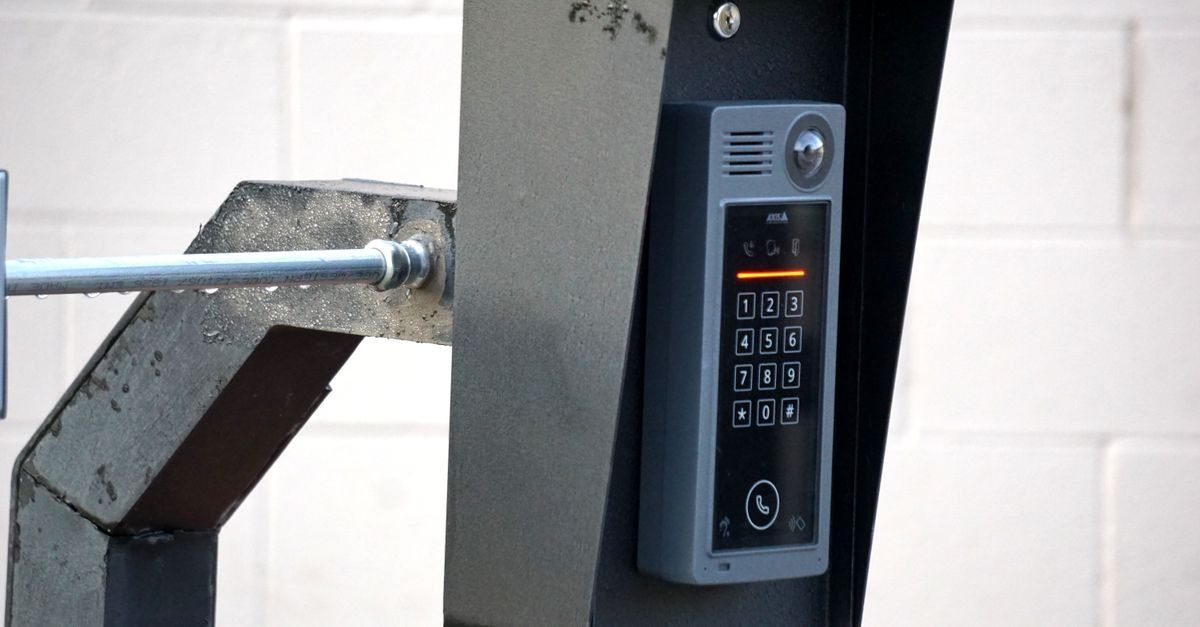
The wireless keypad on your garage door frame is one of the most convenient things in your home — until it stops responding and you’re standing in the rain punching in your code. Work through these causes in order; nearly every keypad failure is one of them.
1. Dead 9-Volt Battery
Almost all wireless keypads run on a single 9V battery, and they typically last one to two years. The cruel part: a dying battery often still lights up the keypad, so it looks alive while being too weak to transmit. If your keypad hasn’t had a battery swap in over a year, start here. Slide off the battery cover (usually on the back or bottom), replace the 9V, and test before doing anything else.
2. Wrong PIN or a Changed Code
It sounds obvious, but codes get changed by family members and forgotten. Also check whether anyone recently reprogrammed the opener — clearing the opener’s memory wipes keypad codes too. If you’ve tried the code several times with no response (not even an error blink), the keypad likely isn’t paired anymore rather than rejecting a wrong PIN. Most keypads flash the keys or beep when they transmit; no flash at all points to battery or hardware, not the code.
3. The Keypad Lost Its Programming
Power outages, logic board resets, and battery changes can all drop the keypad’s pairing. Reprogramming is straightforward: press the Learn button on the opener motor (you’ll have 30 seconds), then on the keypad enter your desired 4-digit PIN and press Enter. The opener light should blink to confirm. Test the new code twice — once immediately, once after closing the keypad cover, since some covers press against buttons.
4. Worn-Out Keypad Buttons
Outdoor keypads endure Texas sun, rain, and thousands of presses. If some digits work and others don’t — or you have to mash a particular key — the membrane contacts underneath are worn. Temporary revival: press the problem key firmly and hold it a second longer. Permanent fix: a replacement keypad, typically $40–$70, which pairs in minutes with the steps above.
5. Water or Weather Damage
Keypads are weather-resistant, not waterproof. Driving rain, sprinkler overspray, or condensation can corrode the circuit board inside. Open the keypad and look for green or white corrosion on the board. Light corrosion can sometimes be cleaned with isopropyl alcohol and a soft brush, but heavily corroded boards mean replacement. When mounting a new one, pick a spot sheltered from direct sprinkler spray.
6. Lock Mode Is Enabled on the Wall Console
Many wall consoles have a Lock button that disables all remotes and keypads — meant for vacations. If someone pressed it (kids love this button), your keypad will appear completely dead. Hold the Lock button for about two seconds until the indicator light changes, then test the keypad again.
7. Frequency or Compatibility Mismatch
Older keypads (390 MHz, red learn button era) won’t pair with modern Security+ 2.0 openers (yellow learn button), and vice versa. If you recently replaced your opener and kept the old keypad, incompatibility — not a defect — is the problem. Check that the keypad packaging lists your opener’s brand and learn-button color as supported.
How to Reprogram Most Keypads (Universal Steps)
- Clear the opener’s old code only if needed — otherwise you’ll wipe your remotes too.
- Press and release the Learn button on the opener motor unit.
- Within 30 seconds, enter your 4-digit PIN on the keypad and press Enter.
- Wait for the opener light to blink, then test the PIN twice.
- Write the PIN down somewhere safe — future you will thank present you.
Keypad still dead after new batteries and reprogramming? Call Coppell Garage Door Experts at (945) 404-0050 — we’ll test the keypad, the receiver, and the opener, and get you back in.
Garage Door Services at a Glance
| Service | Typical range* |
|---|---|
| Spring replacement | $180 – $350 |
| Opener repair | $150 – $300 |
| Cable replacement | $150 – $250 |
| Roller replacement | $150 – $300 |
| Maintenance tune-up | $99 – $179 |
*Typical Coppell-area ranges.